
Home › Free tools › Image Compressor
Smaller files. Same big ideas.
Free Image Compressor Tool
Smaller images. More possibilities. Compare quality live and download in seconds.
- Free
- No sign-up
- Images stay on your device
How to compress an image in 4 steps
Real screens from the tool above. It takes under a minute, and your images never leave your device.
Add your images
Drop up to 20 JPG, PNG or WebP images into the box, or tap Choose images. Each can be up to 20 MB.
Tip: add a whole product folder at once and compress them together.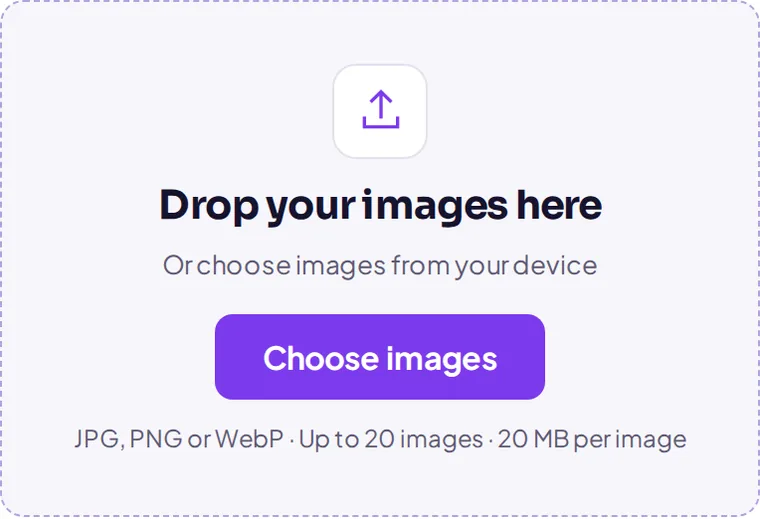
Choose how much to compress
Balanced suits most websites. Pick Best quality for product photos, or Smallest file for WhatsApp and email.
Tip: need an exact size, like 200 KB for a form? Type it in “Target size in KB”.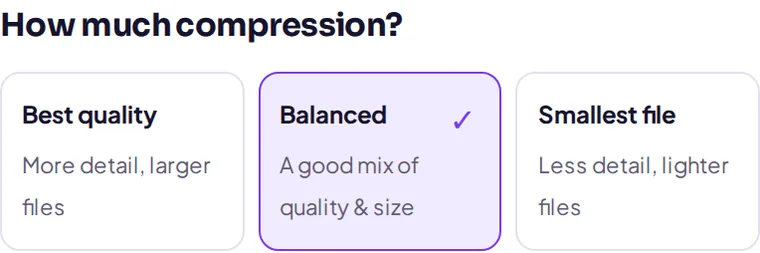
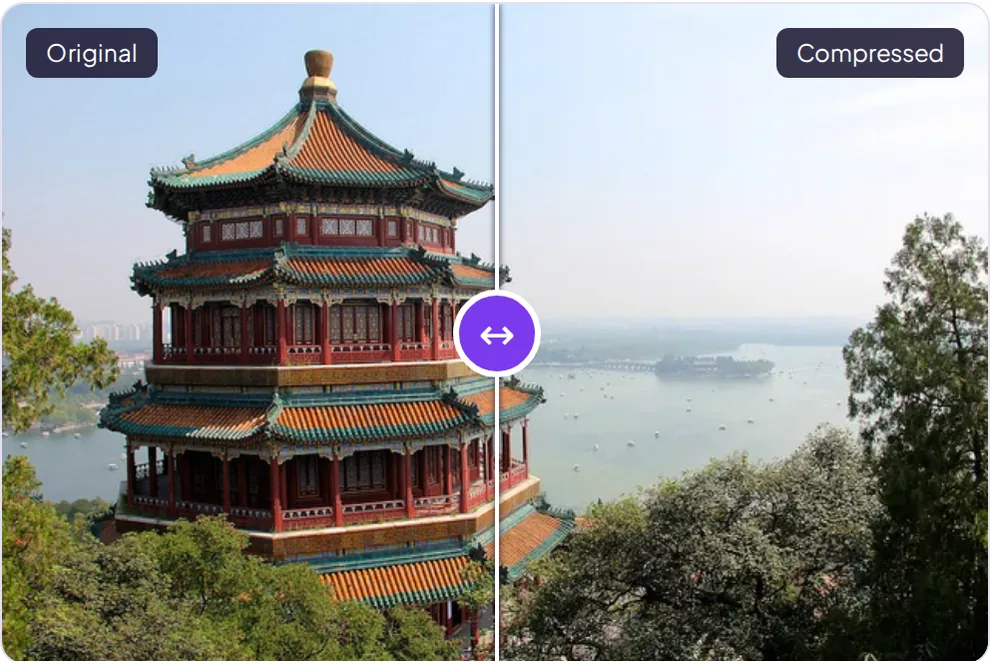
Compare before you download
Drag the round handle across the photo to see the original and the compressed image side by side. Zoom in to check fine detail.
Download your smaller image
You see the new size before you download. Download one image, or tap Compress all images for the whole batch.
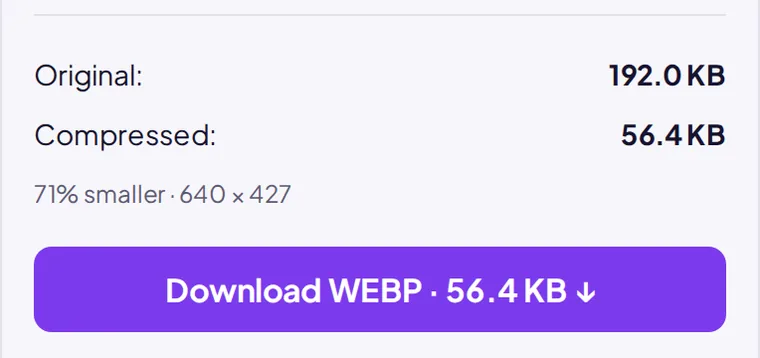
Same photo. 71% smaller.
A real result from the tool: a JPG photo compressed to WebP with the Balanced setting.


Which format to choose
| You need it for | Best format | Why |
|---|---|---|
| Website and blog | WebP | Smallest file at the same quality, so pages load faster |
| Amazon, Flipkart listings | JPG | Accepted everywhere |
| Logos and graphics with transparency | PNG | Keeps the see-through background |
| WhatsApp and email | JPG | Use Smallest file so it sends quickly |
Sample photo: “China” by danielbuechele, CC BY 2.0. Result made with the tool above, not edited.
Image Compressor questions
Is the image compressor free?
Yes. It is free for everyone, with no sign-up and no watermark.
Are my images uploaded to a server?
No. Compression happens in your browser, so your images stay on your device.
Which format should I use for my website?
WebP is usually smallest at the same quality and works in all modern browsers. Use JPG for photos when a platform does not accept WebP.
Can I compress to a target size in KB?
Yes. Enter a target size and the tool gets as close as it can. Very small targets may lower quality or image size.
Other tools you may like
Want more customers, not just better images?
See what your competitors run, and what to do next. Your Free Competitor Report arrives within one week.
Get Your Free Competitor Report