
Home › Free tools › Ad and Social Image Resizer
One creative. Every placement.
Free Ad and Social Image Resizer
Meta feed, Stories and Reels, Google display ads and YouTube thumbnails from one image, with a safe-zone guide. One ZIP.
- Free
- No sign-up
- Images stay on your device
How to resize one image for every ad size
Real screens from the tool above. One photo in, every Meta, Google and YouTube size out.
Add your image
Drop one JPG, PNG or WebP image, or tap Choose image. Use your full-quality original, up to 20 MB.
Tip: start with a large photo. The tool warns you when an image is smaller than a size and may look soft.
Tick the placements you need
Choose from Meta feed, Stories and Reels, Google Ads display and YouTube thumbnails. Every option shows its exact size in pixels.
Tip: Feed 4:5 is the recommended size for Facebook and Instagram feeds.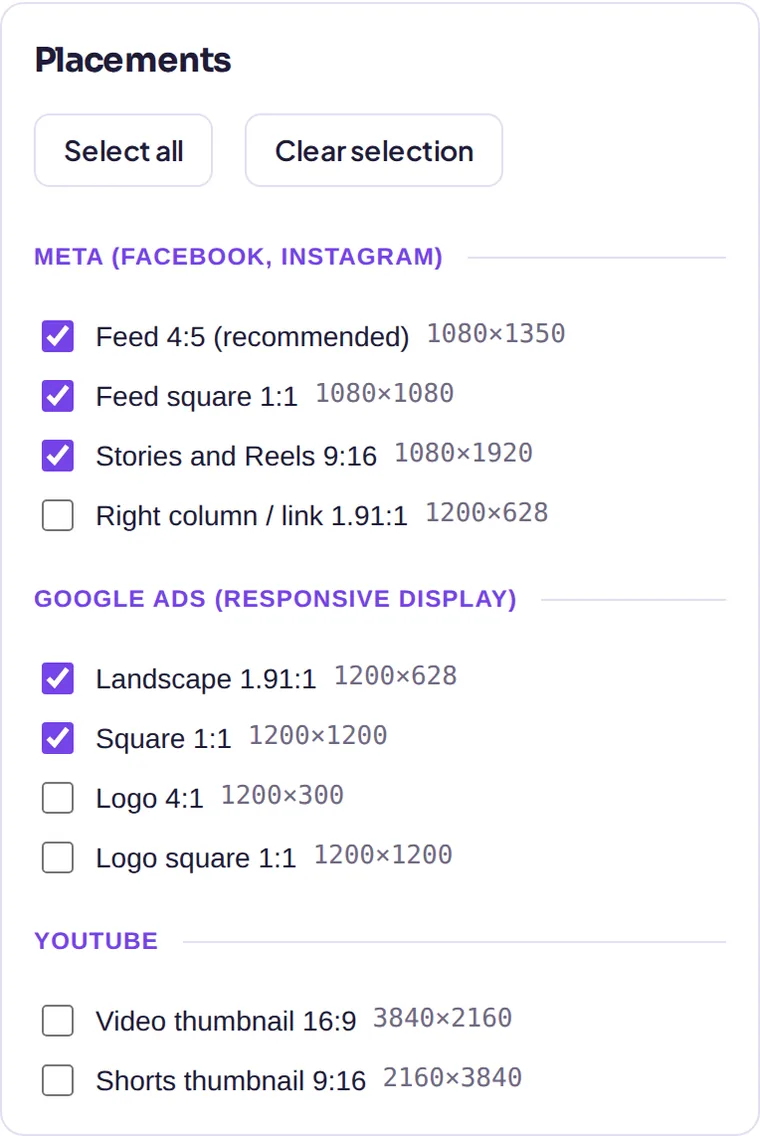
Frame each size
Drag the photo and zoom to choose what shows in each size, or tap Fit whole image. Use the arrow buttons for small moves.
Tip: on 9:16 Stories and Reels, keep text inside the safe zone so buttons and captions do not cover it.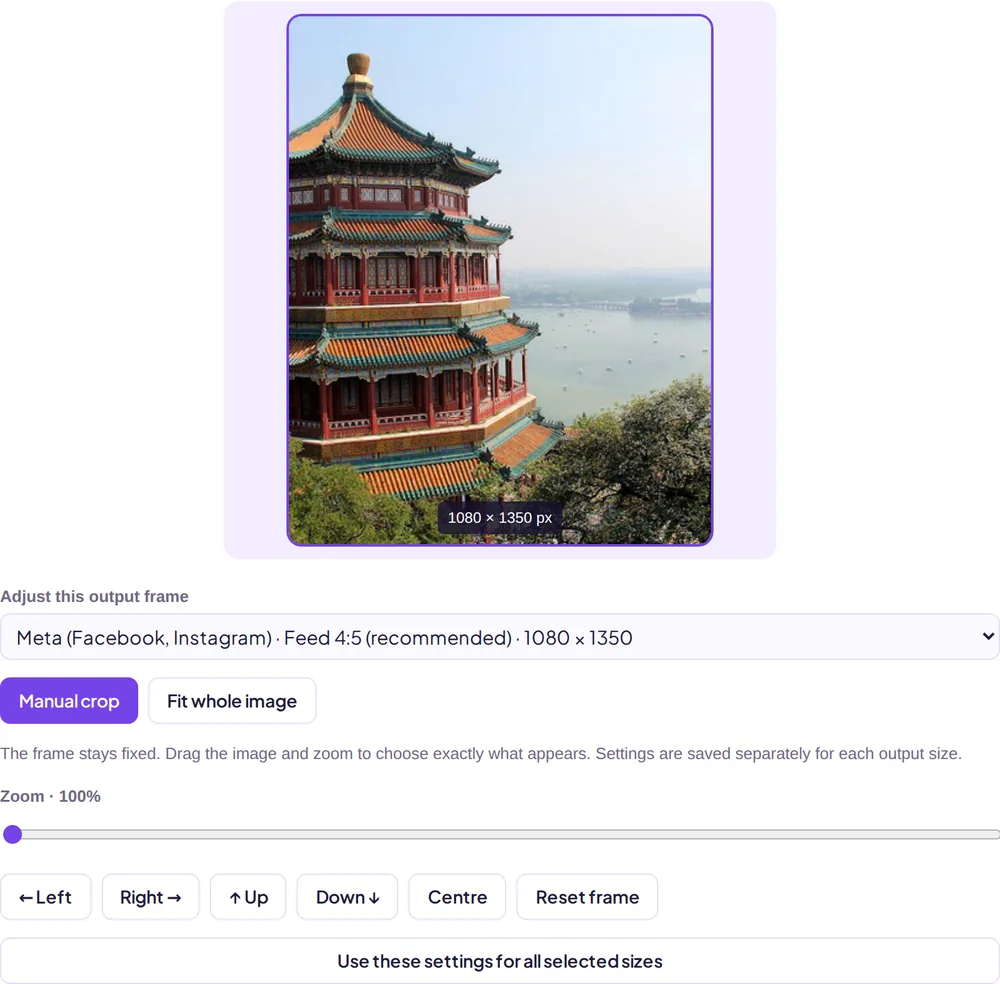
Download every size at once
Download one size, or tap Download all sizes (ZIP). Files come sorted into Meta and Google folders, named by size.
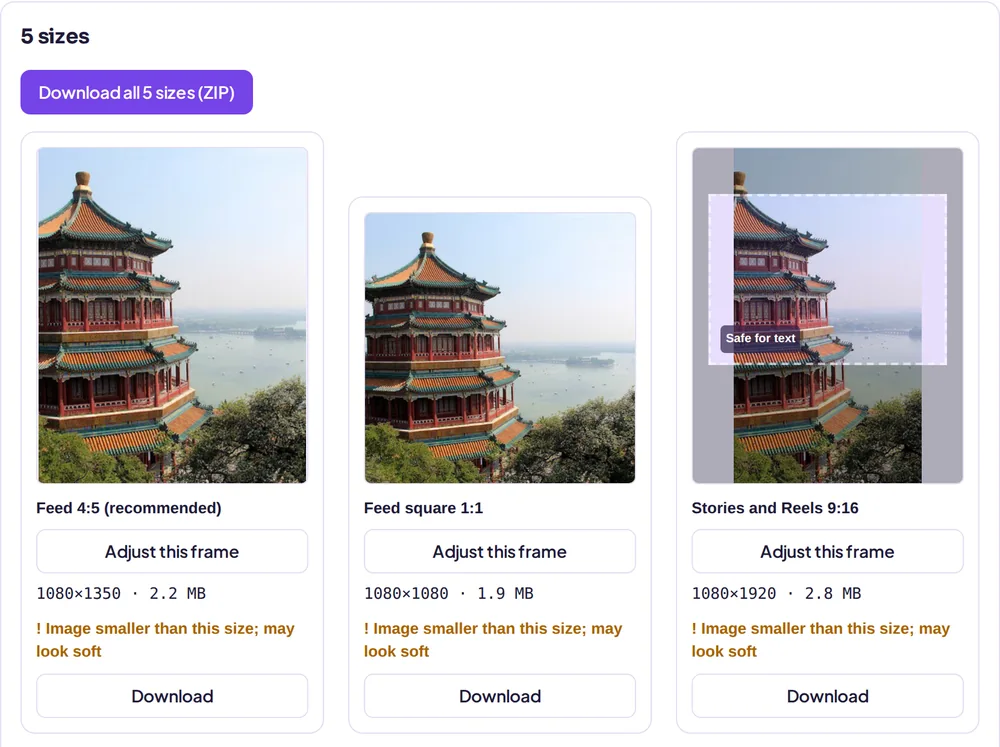
One photo. Five ad sizes.
A real result from the tool: one photo resized for Meta and Google Ads with the default placements, downloaded as one ZIP.




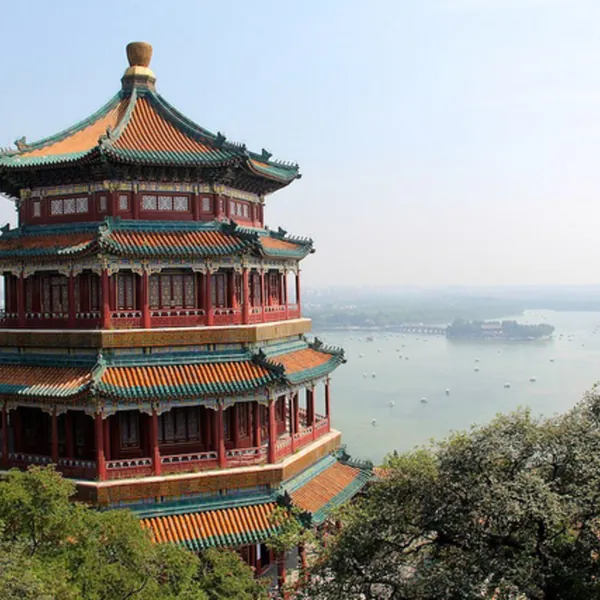
Sizes are as listed in the tool; check the platform before you upload. Our sample photo is small (640×427), so the tool flagged that large sizes may look soft. Use your original photo for sharp ads.
Ad size cheat sheet
| Placement | Size in pixels | Shape |
|---|---|---|
| Meta feed (recommended) | 1080×1350 | 4:5 |
| Meta feed square | 1080×1080 | 1:1 |
| Stories and Reels | 1080×1920 | 9:16 |
| Meta right column / link | 1200×628 | 1.91:1 |
| Google Ads landscape | 1200×628 | 1.91:1 |
| Google Ads square | 1200×1200 | 1:1 |
| Google Ads logo | 1200×300 | 4:1 |
| YouTube video thumbnail | 3840×2160 | 16:9 |
| YouTube Shorts thumbnail | 2160×3840 | 9:16 |
Sample photo: “China” by danielbuechele, CC BY 2.0. Result made with the tool above, not edited.
Ad and Social Image Resizer questions
Which ad sizes does it make?
Meta feed 4:5 and 1:1, Stories and Reels 9:16, right column 1.91:1, Google display 1.91:1, 1:1, 4:1 and logo sizes, plus YouTube video and Shorts thumbnails.
What is the safe zone?
The part of a 9:16 Story or Reel that is not covered by the app’s buttons and captions. Keep text and faces inside it.
Are my images uploaded?
No. Resizing happens in your browser, so your images stay on your device.
Are the sizes always up to date?
They follow each platform’s current guidance, but platforms change. Check the ad platform before you upload.
Other tools you may like
Want more customers, not just better images?
See what your competitors run, and what to do next. Your Free Competitor Report arrives within one week.
Get Your Free Competitor Report